
Add Pitch-Shifted Reverb Tails | Shimmer Reverb for Ableton

Max For Live Audio Device

Getting shimmer reverb in Ableton is more friction than it needs to be. Third-party options like ValhallaShimmer work well but introduce plugin bridging, parameters don't map natively to Ableton's automation lane and the device doesn't embed properly in your project file.

 Ableton's own Hybrid Reverb has a shimmer mode using the same DSP engine as this device, but its interface spreads controls across multiple panels that are slow to navigate mid-session. Shimmer Reverb puts pitch shifting, freeze, decay, diffusion, damping, and modulation on a single surface inside Max for Live, no routing, no workaround, behaves exactly like an Ableton native device.


Sale price£4.99 GBP
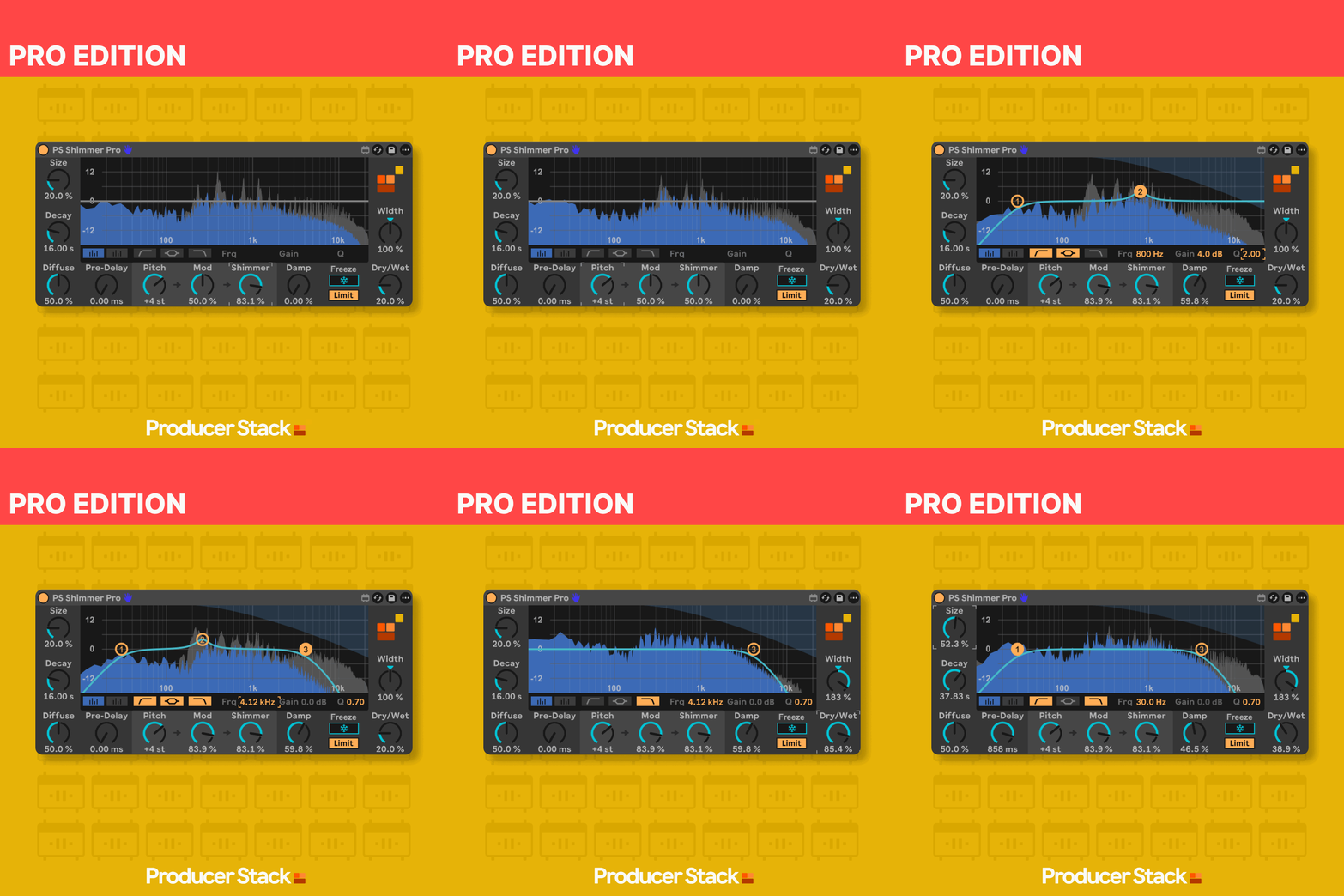
S Shimmer Reverb Pro interface showing pitch shift, decay, freeze, and spectrum analysis in an Ableton Live session

What Shimmer Reverb Does

Shimmer Reverb runs on Max 9's abl.dsp.shimmer~ object, the same algorithm inside Ableton's Hybrid Reverb shimmer mode, with the full parameter set surfaced in a single interface.

Pitch shift runs from −12 to +12 semitones in clean increments without artefacts, letting you set the characteristic octave-up shimmer, a subtle tritone, or any interval in between. Decay runs from 0.1 seconds to a full freeze; the freeze function sustains the reverb tail indefinitely, useful for building ambient textures in real time or holding a pad through a section without retriggering.

Diffusion controls the density of the reflection network, damping shapes how quickly the high frequencies fade from the tail, and modulation adds movement and chorusing. Every parameter maps directly to Ableton's automation system. The Pro edition adds real-time spectrum analysis, an interactive three-band EQ with draggable control points, and integrated stereo width — all post-reverb, all in one device.

Want the full details before you buy?

Download the product manual for a detailed overview

Download User Manual

Want to try before you buy?

The Standard edition is free on maxforlive.com

Free Standard Edition

Professional Max for Live Design

All devices built with optimised CPU performance, bulletproof stability, and intuitive interfaces tested by working producers for reliable session performance.

Seamless Ableton Integration

Every device integrates natively into Ableton Live with full automation support, preset management, and zero plugin-bridging latency for frictionless workflow.

Clear Commercial Licensing

All Max for Live devices supplied with straightforward commercial licenses. Use in your productions with complete confidence.

Why This Matters

Every Max for Live device we make follows one principle:

Remove friction, don't add features.

This tool works the way Ableton would have done it if they'd thought of it.

No flashy graphics.
No subscription.
Just a problem solved.
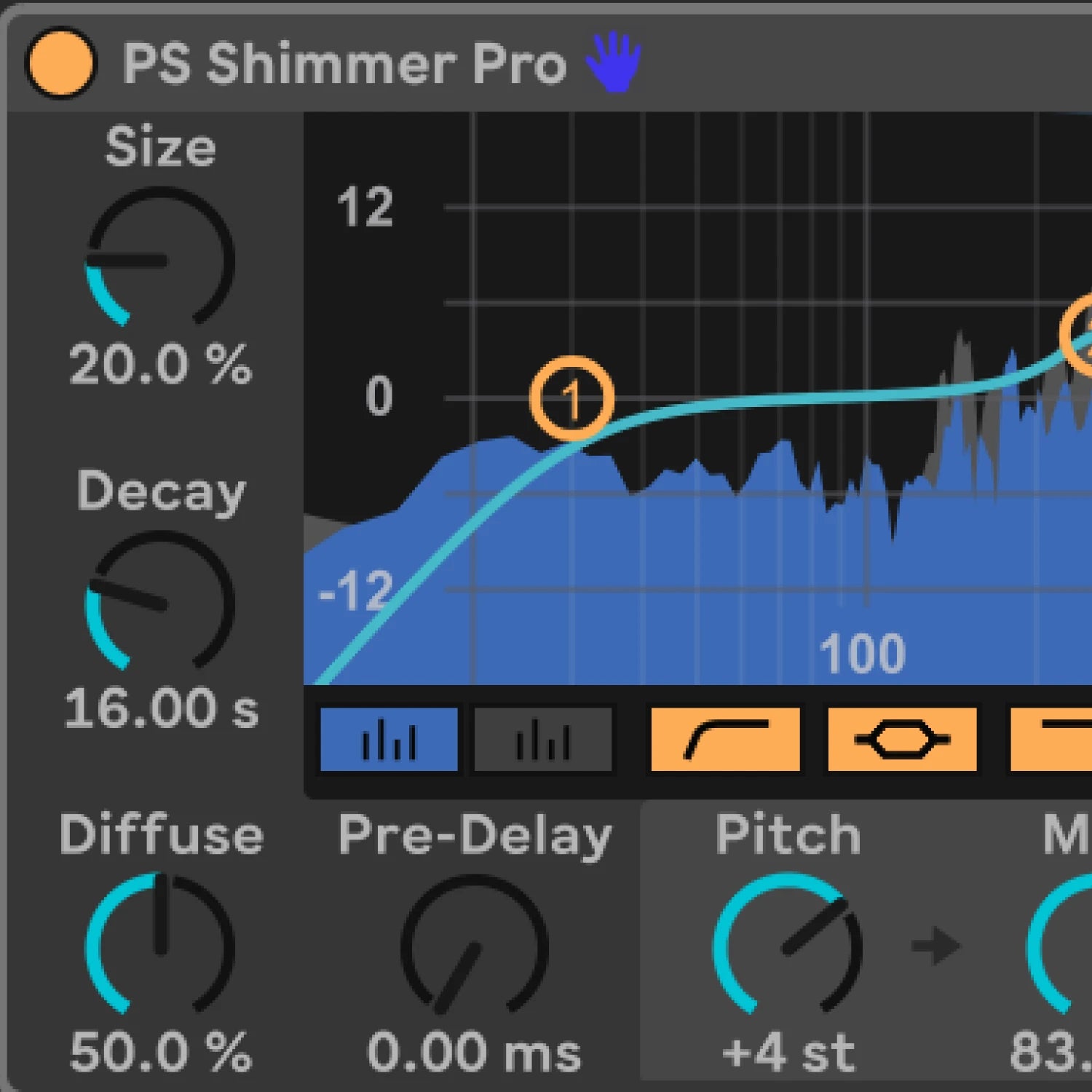
Shimmer Reverb Pro showing control surface with pitch shift, freeze button, and damping controls in Ableton

Shimmer Reverb | Use Cases

  • Layering a pitch-shifted octave-up shimmer on synth pad chords in deep house or ambient house, where the shimmer sits above the direct signal and adds lift without cluttering the mid-range
  • Using the freeze function in live performance to sustain a reverb cloud between sections, creating space without silence while a transition plays out
  • Adding ethereal width to vocal chops in UK garage where a brief shimmer tail gives movement without a long obvious reverb
  • Building evolving drone textures by freezing the shimmer on a held note and automating the pitch shift slowly through a semitone range over 16 or 32 bars
  • Placing subtle shimmer on an acoustic-sounding element in a tech house or melodic techno track to add space that standard reverb wouldn't deliver without sounding out of character
PS Shimmer Reverb Pro Edition: pitch-shifted reverb Max for Live device with freeze function for Ableton Live

Compatibility, Ableton Live & Max for Live

  • Max for Live 9.0.9
  • macOS 10.13 or higher / Windows 10 or higher
  • Pitch shift range: −12 to +12 semitones
  • Ableton Live 12.0.5 or higher (Suite, or Standard with Max for Live purchased separately)

See User Manual

Shimmer Reverb | Frequently Asked Questions