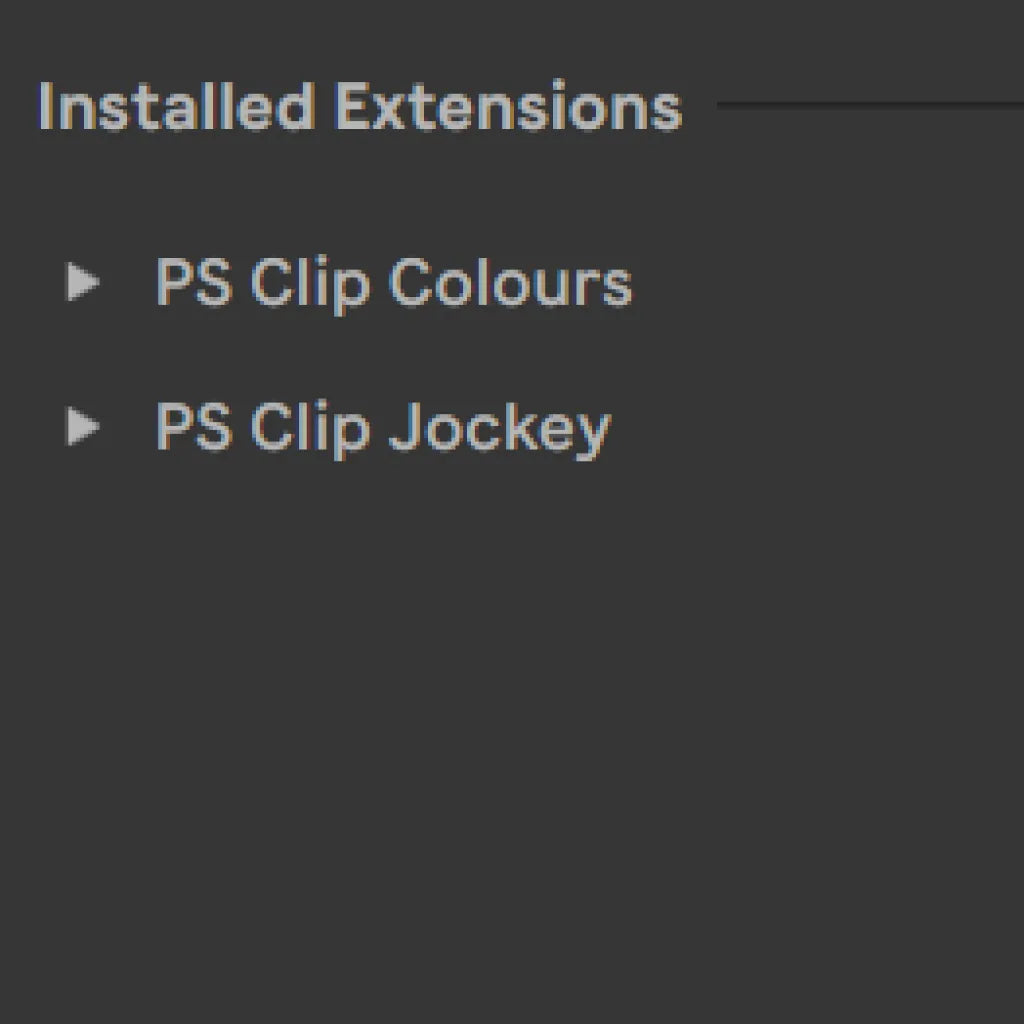
Clip Colours for Ableton: PS Clip Colours (Free Beta)
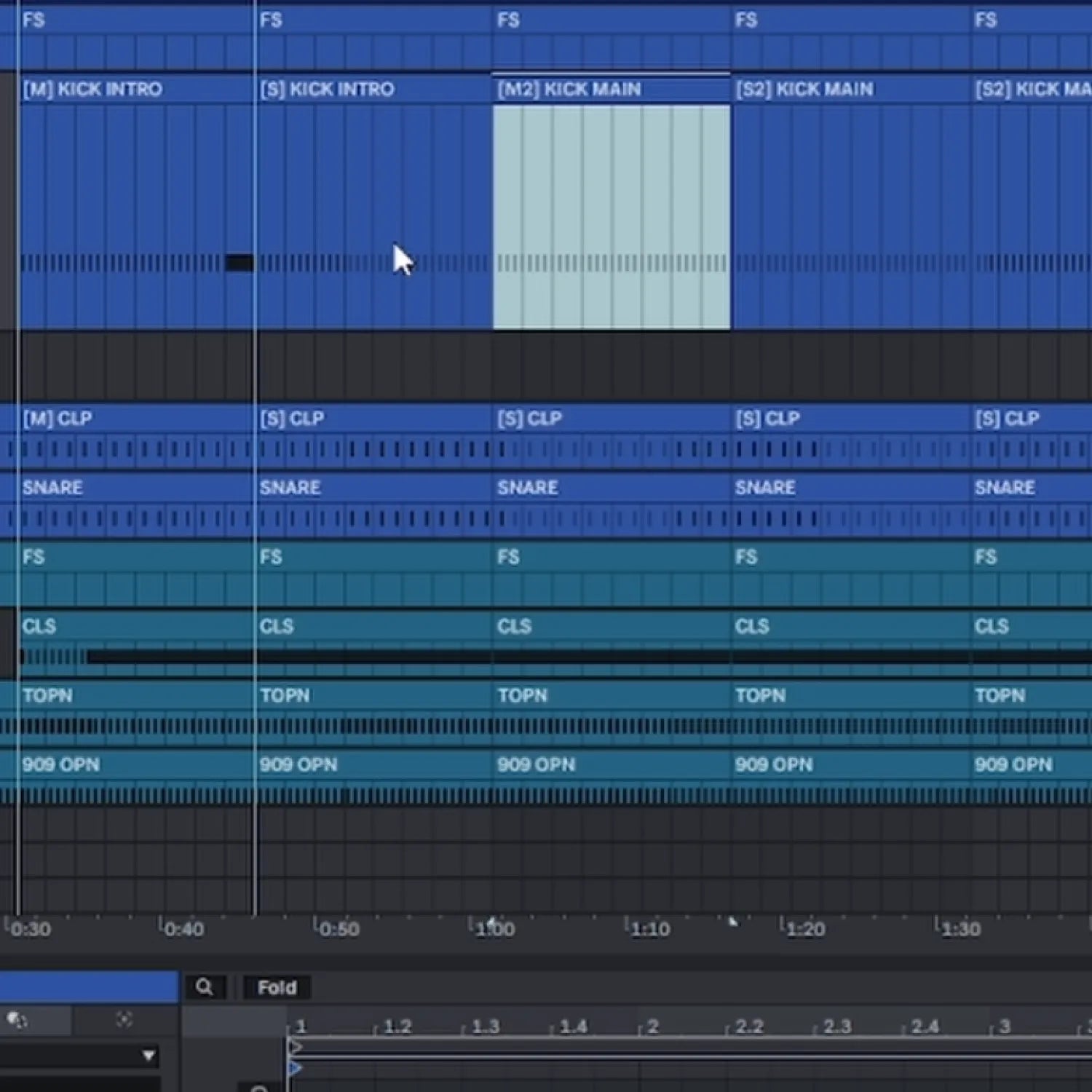
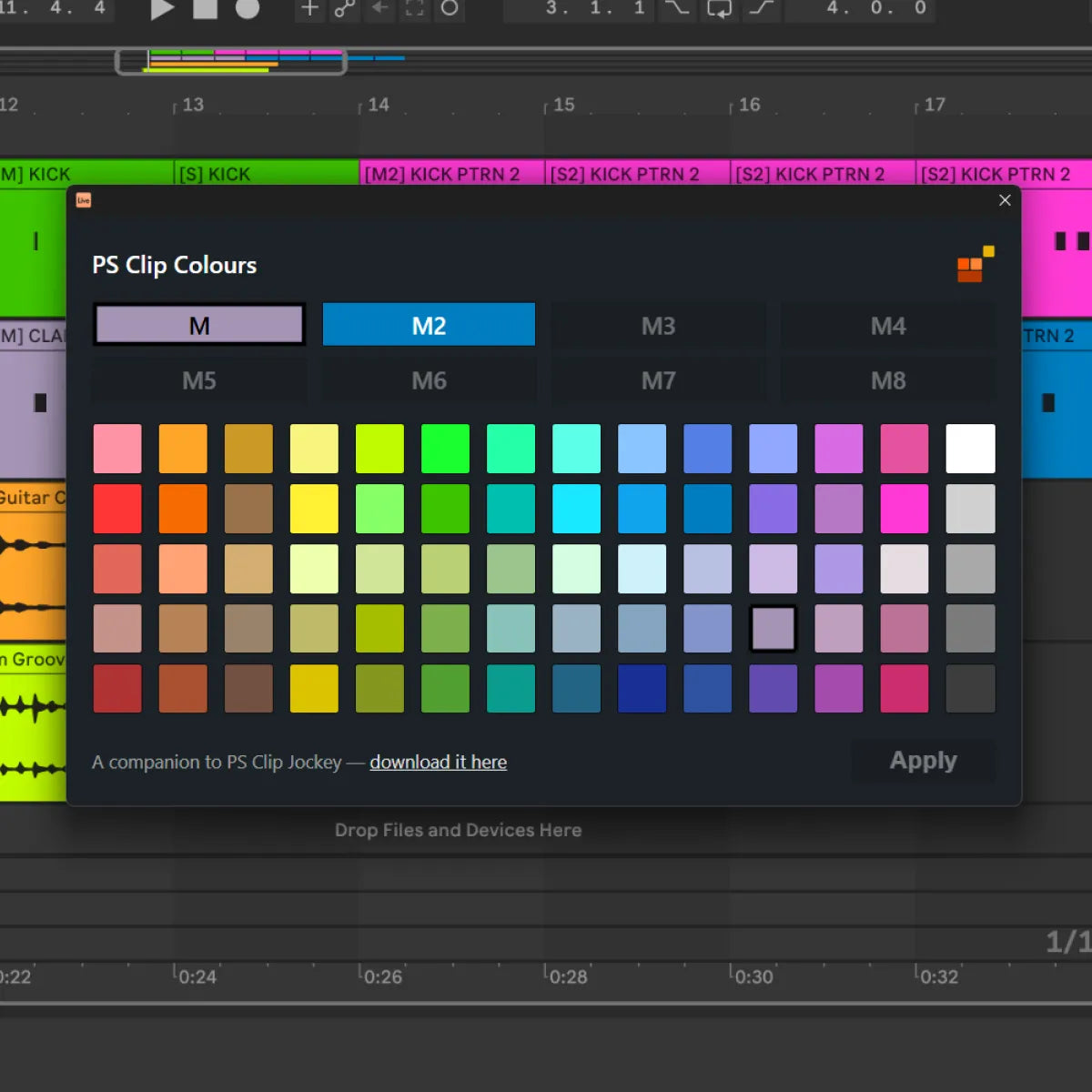
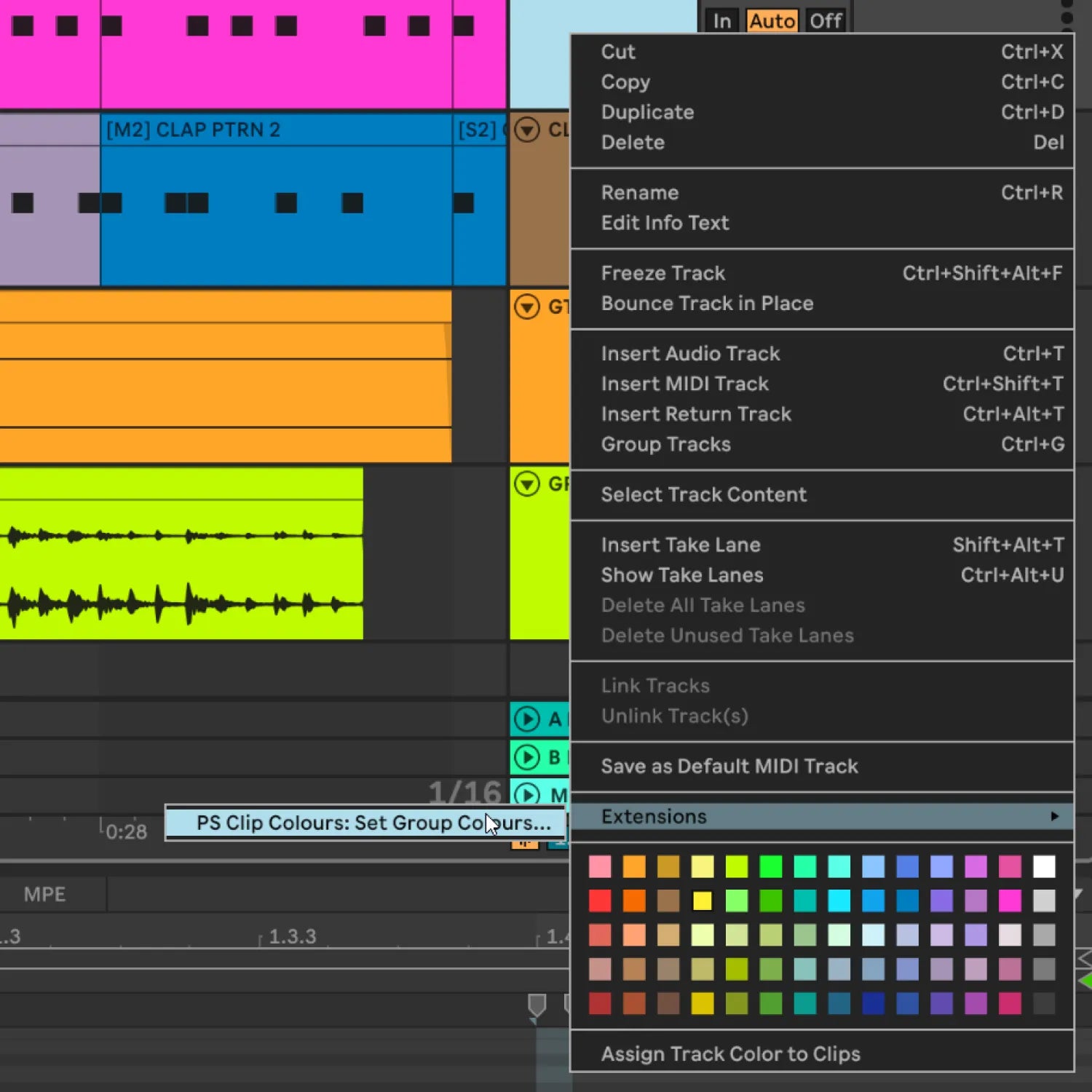
Colour your clips the way you want them. PS Clip Colours is a companion to PS Clip Jockey: it takes the master and slave groups Clip Jockey builds and lets you assign a colour to each group, so every linked clip inherits it. Per track, and it remembers your choices between sessions. Free, and in active beta.
NB PS Clip Jockey (Beta) is required for PS Clip Colours to work
Everything Clip Colours Can Do
Colour by Group, Not by Clip
The Real Ableton Palette
Remembers Between Sessions

PS Clip Colours Walkthrough
How to Get the Ableton Live 12 Beta
Every ProducerStack Extension, runs on the Ableton Live 12 beta. It will not load on the standard release of Live 12. The beta is free to anyone who already owns Live 12, and it installs separately, so your stable version of Live stays untouched.
- Go to Ableton's beta page at ableton.com/en/beta and sign in with your Ableton account.
Create a free Centercode account if you do not already have one. This is the portal Ableton runs its beta testing through. - Request access to the Live 12 public beta. Invitations are granted gradually, so you may wait a short while after signing up.
- Install the Live 12 beta (12.4.5 or higher). It sits alongside your normal Live install, it does not replace it. Extensions require Live 12 Suite. Any Live 12 edition can join the beta, but the Extensions feature itself is Suite only.
- Open the beta, enable Extensions, and you are ready to install Clip Jockey.
Two things worth knowing before you start. Sets saved in the beta cannot be opened in earlier versions of Live, and beta software is a work in progress by its nature, so keep backups of anything important.
TECH SPEC
What does PS Clip Colours do?
Will my colours still be there when I reopen the project?
Are the colours the real Ableton ones?
Where do I find it in Live?
Do I need PS Clip Jockey for this to work?
You may also like