
Control Reverb Low End: Dark Hall Reverb for Ableton Live
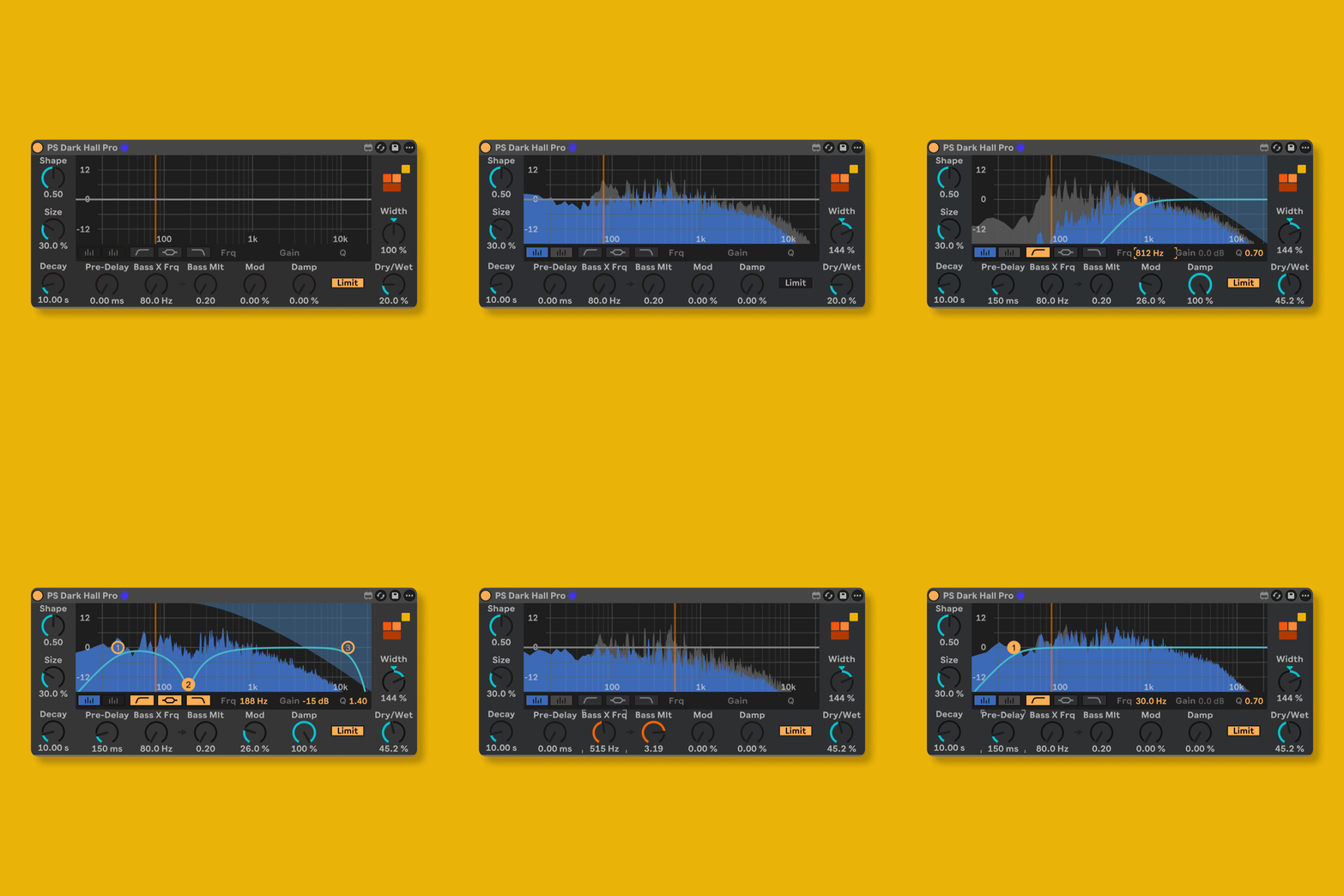
Large space reverb has one unavoidable problem: low-end accumulation. Push the decay time and the bass blooms into mud; pull it back and you lose the size. The usual fix is a high-pass filter after the reverb, which cuts the tail rather than shaping it.
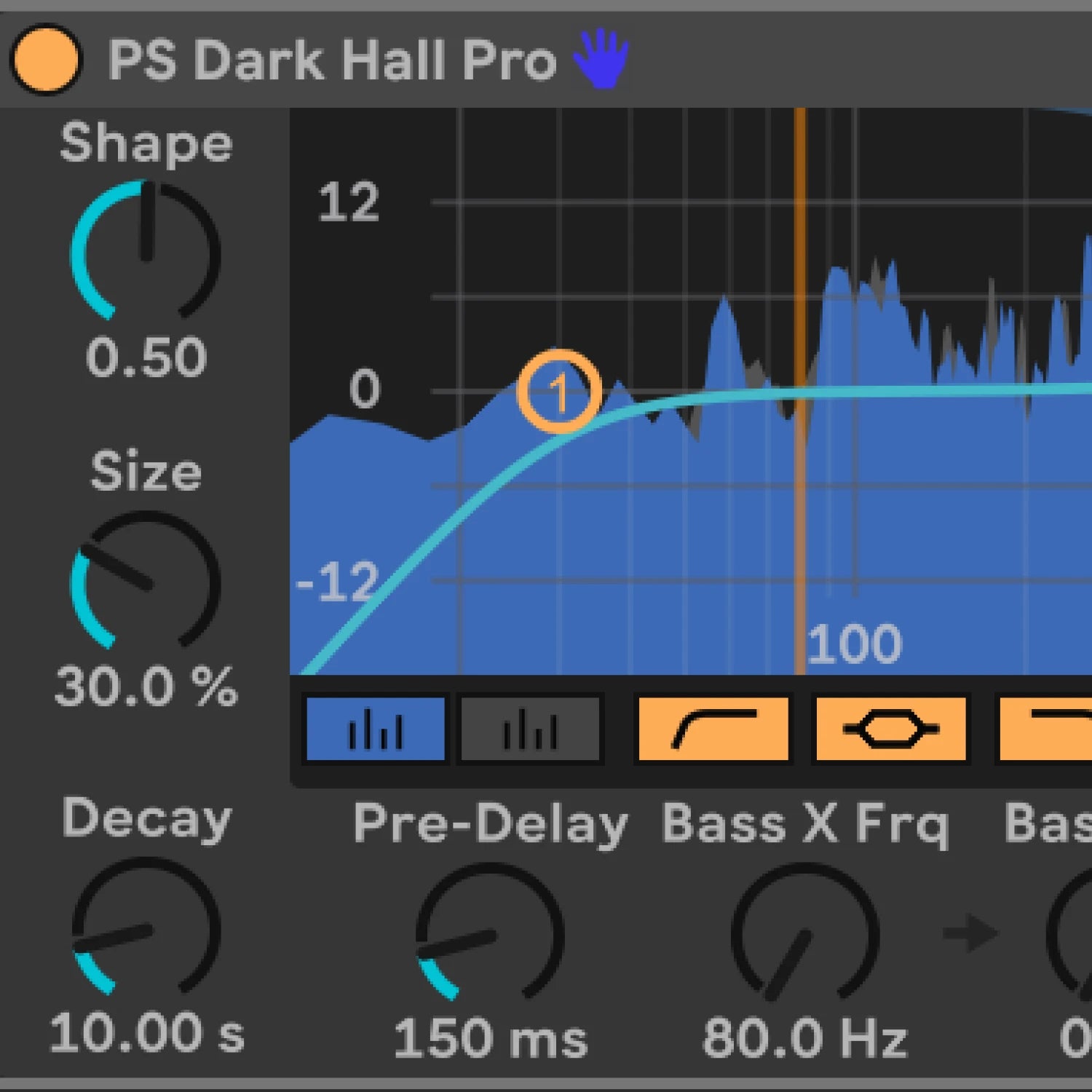
Dark Hall Reverb gives you an independent bass crossover and bass multiplier inside the engine, set where low-frequency behaviour diverges from the main tail, then set how much it decays relative to the rest. Dense, characterful space without the workaround.
Want the full details before you buy?
Download the product manual for a detailed overview
Download User ManualWhy This Matters
Every Max for Live device we make follows one principle:
Remove friction, don't add features.
This tool works the way Ableton would have done it if they'd thought of it.
No flashy graphics.
No subscription.
Just a problem solved.

M4L Devices from ProducerStack.com
Compatibility, Ableton Live & Max for Live
- Max for Live 9.0.9
- macOS 10.13 or higher / Windows 10 or higher
- 8 GB RAM minimum recommended
- Ableton Live 12.0.5 or higher (Suite, or Standard with Max for Live purchased separately)