
Set Different Decay per Frequency | Prism Reverb Ableton

Max For Live Audio Device

Standard reverb applies the same decay time to every frequency in your mix. Bass and treble sustain equally, which means either the low end accumulates and muddies the tail, or you shorten the decay and lose the shimmer you needed in the highs.

Prism Reverb gives you a crossover point you can set anywhere between 400Hz and 5500Hz, then independent multipliers for how the frequency content below and above it decays. The bass clears at the rate you specify. The highs sustain at the rate you specify. The two don’t have to be the same.


Sale price£4.99 GBP
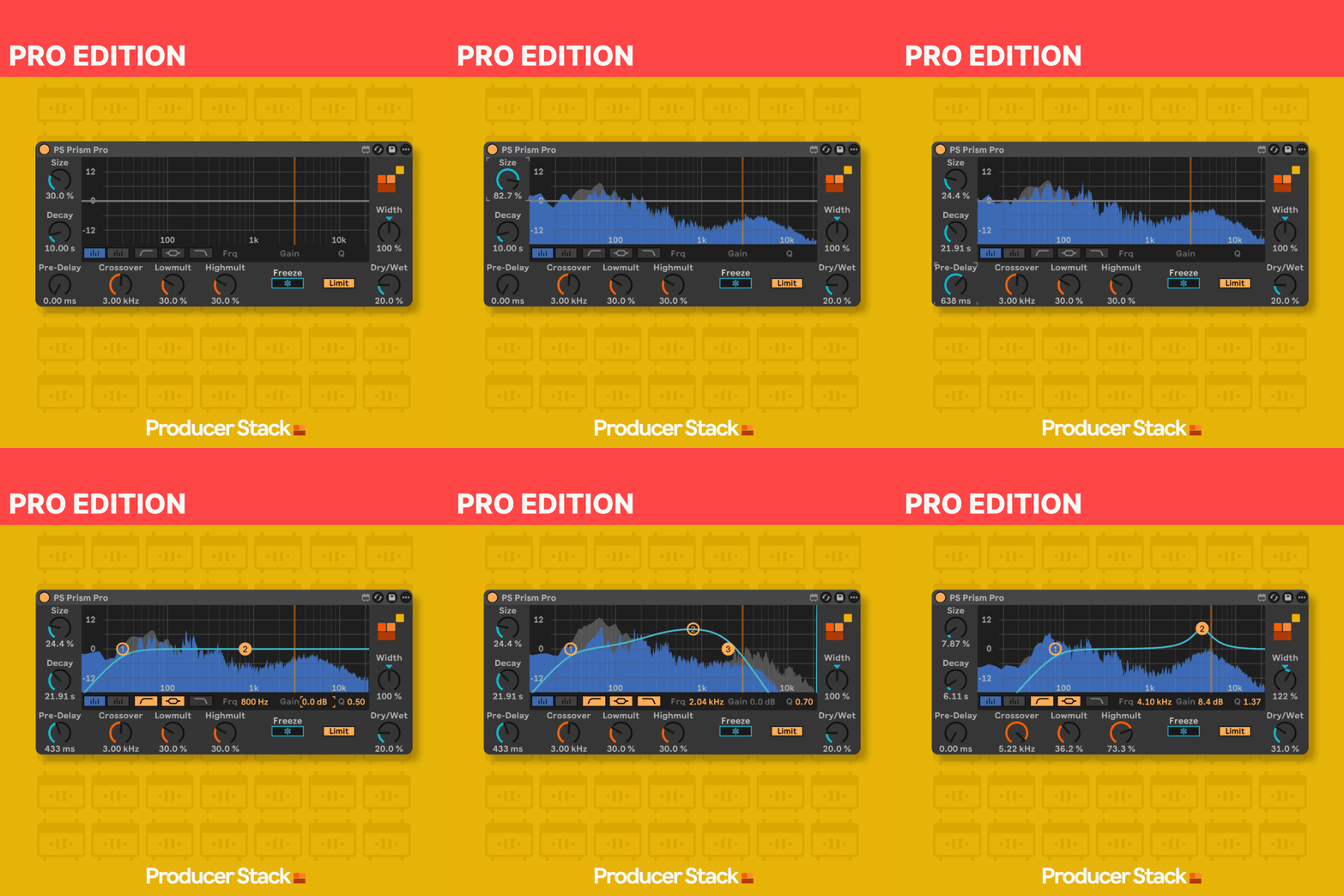
PS Prism Reverb Pro interface showing Lowmult and Highmult crossover controls with spectrum analysis in Ableton

What Prism Reverb Does

Prism Reverb runs on Max 9’s abl.dsp.prism~ object, the same algorithm that powers the prism mode inside Ableton’s Hybrid Reverb, with the crossover and multiplier controls fully exposed on a single interface.

The crossover sets the frequency dividing point: everything below it follows one decay behaviour, everything above it follows another. The Lowmult and Highmult controls then set how much shorter or longer each frequency range decays relative to the main decay time.

Set Lowmult below 1.0 for a tight bass tail that clears quickly; set Highmult above 1.0 for treble that sustains and shimmers long after the bass has gone. Decay runs from 0.1 seconds to 60 seconds, room size controls virtual space dimensions, and freeze mode sustains the tail indefinitely.

The Pro edition adds a real-time spectrum display, interactive three-band EQ with draggable control points, integrated stereo width, and visual damping response, all post-reverb, all in one device.

Want the full details before you buy?

Download the product manual for a detailed overview

Download User Manual

Want to try before you buy?

The Standard edition is free on maxforlive.com

Free Standard Edition

Professional Max for Live Design

All devices built with optimised CPU performance, bulletproof stability, and intuitive interfaces tested by working producers for reliable session performance.

Seamless Ableton Integration

Every device integrates natively into Ableton Live with full automation support, preset management, and zero plugin-bridging latency for frictionless workflow.

Clear Commercial Licensing

All Max for Live devices supplied with straightforward commercial licenses. Use in your productions with complete confidence.

Why This Matters

Every Max for Live device we make follows one principle:

Remove friction, don't add features.

This tool works the way Ableton would have done it if they'd thought of it.

No flashy graphics.
No subscription.
Just a problem solved.
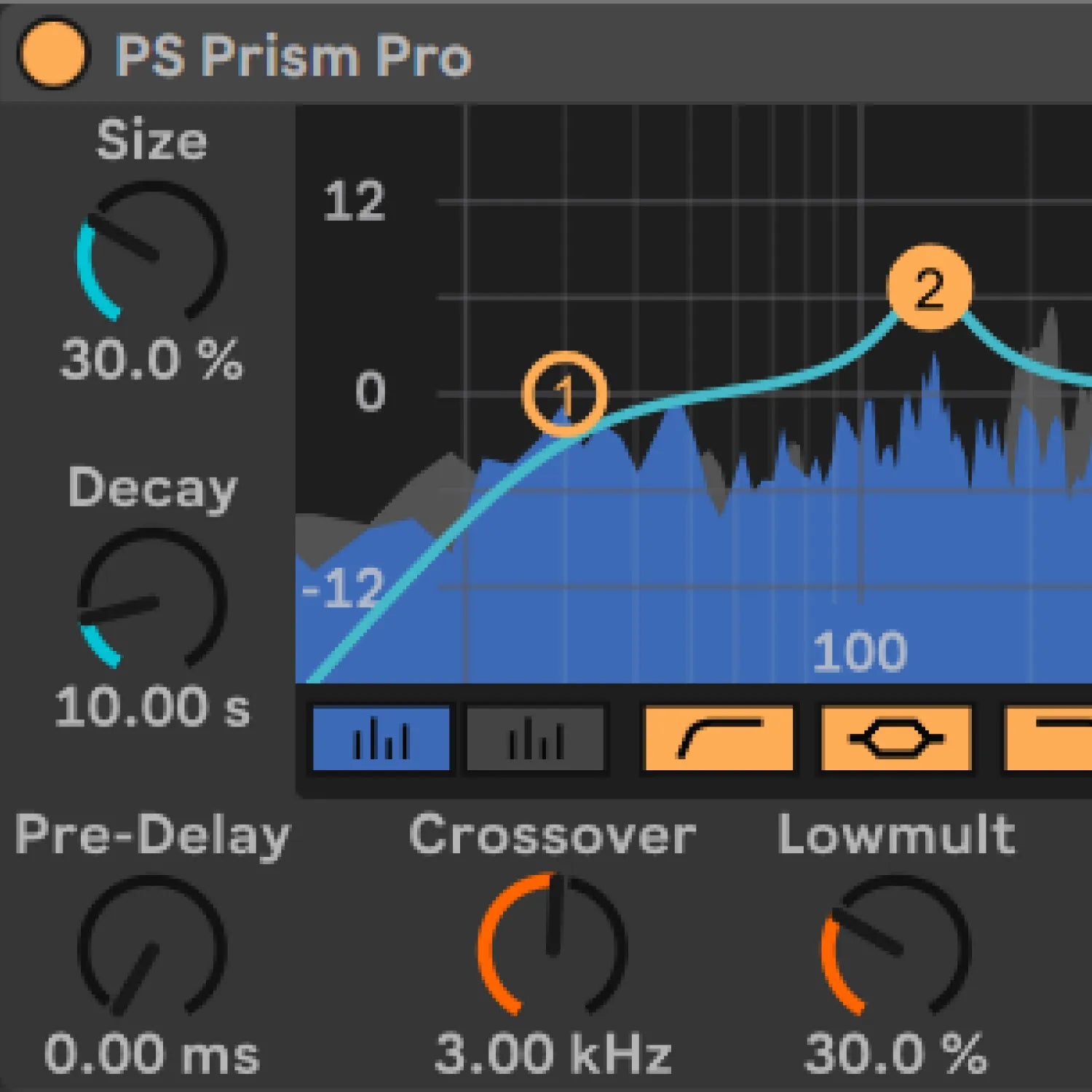
Prism Reverb Pro EQ display showing real-time frequency response and interactive draggable control points in Ableton

Prism Reverb — Use Cases

  • House music kick and bass on a send channel, set the crossover below the bass fundamental, dial Lowmult down so the low frequencies clear quickly while Highmult lets the upper room sustain naturally
  • Vocal reverb in deep house or UK garage where you need air and space in the top but no low-mid chest resonance cloud building in the tail
  • Snare and clap reverb in tech house where the high-frequency tail shimmers but the 100–200Hz body of the snare clears fast so it doesn’t fill the groove between hits
  • Creating textures where high-frequency content sustains much longer than the bass, combine freeze with high Highmult and low Lowmult for evolving spaces that feel much larger than the source
  • Subtle send reverb across a mix bus where a low Lowmult keeps the master clear while the highs still get room
S Prism Reverb Pro Edition: Max for Live reverb with frequency-dependent crossover decay for Ableton Live

Compatibility, Ableton Live & Max for Live

  • Max for Live 9.0.9
  • macOS 10.13 or higher / Windows 10 or higher
  • Compatible with any audio, instrument, or return track in Ableton Live
  • Ableton Live 12.0.5 or higher (Suite, or Standard with Max for Live purchased separately)

See User Manual

Prism Reverb | Frequently Asked Questions