Nudge MIDI Notes by Milliseconds | Slip for Ableton Live

Max For Live MIDI Transformation Device

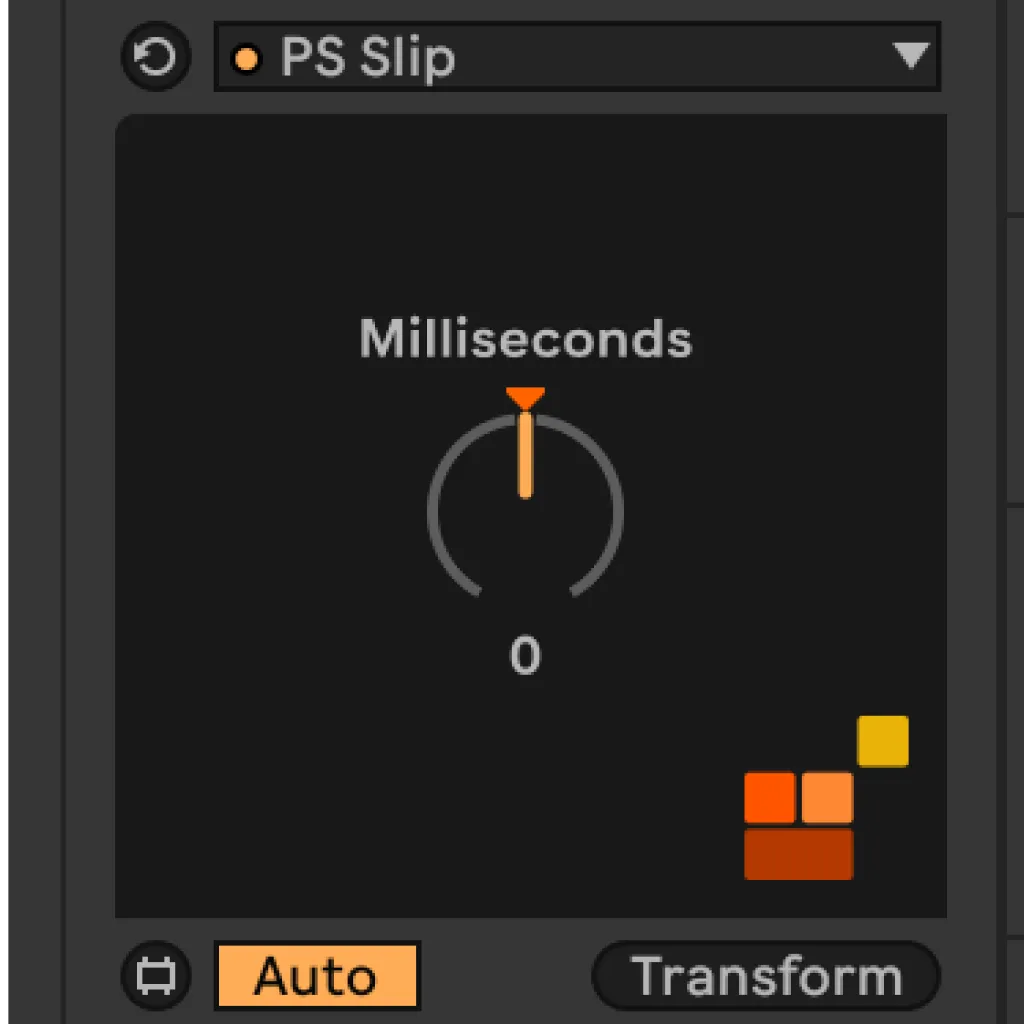
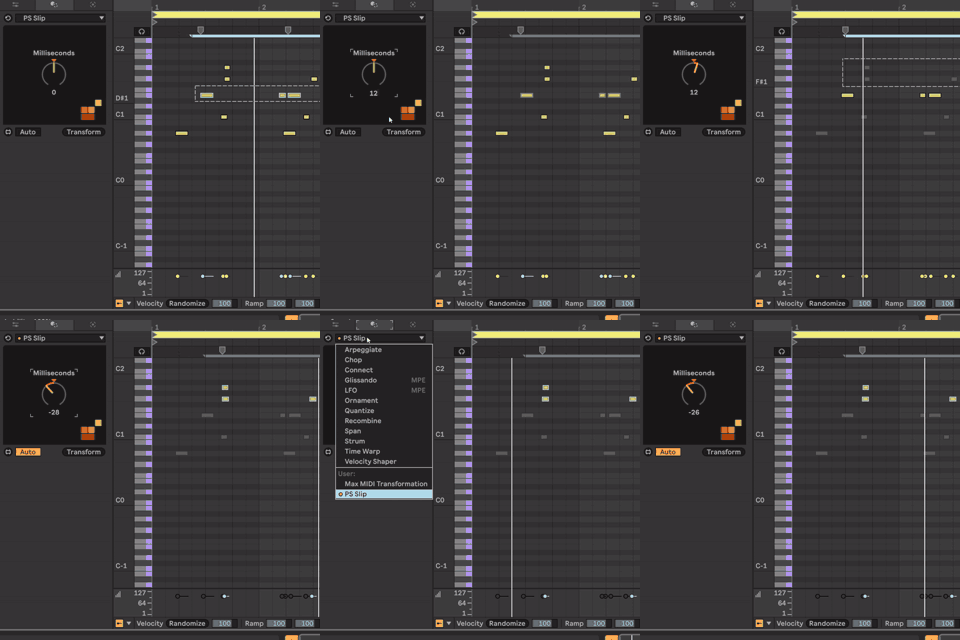
Ableton's track delay moves the whole track — and it doesn't export. If you need to nudge a single MIDI note forward or back by milliseconds without touching anything else in your session, there's no native way to do it. Slip is a Max for Live MIDI tool that moves notes forward or backward in time inside the clip — non-destructively, per-note, with millisecond precision.

Sale price£3.99 GBP

Professional Max for Live Design

All devices built with optimised CPU performance, bulletproof stability, and intuitive interfaces tested by working producers for reliable session performance.

Seamless Ableton Integration

Every device integrates natively into Ableton Live with full automation support, preset management, and zero plugin-bridging latency for frictionless workflow.

Clear Commercial Licensing

All Max for Live devices supplied with straightforward commercial licenses. Use in your productions with complete confidence.

What Slip Does

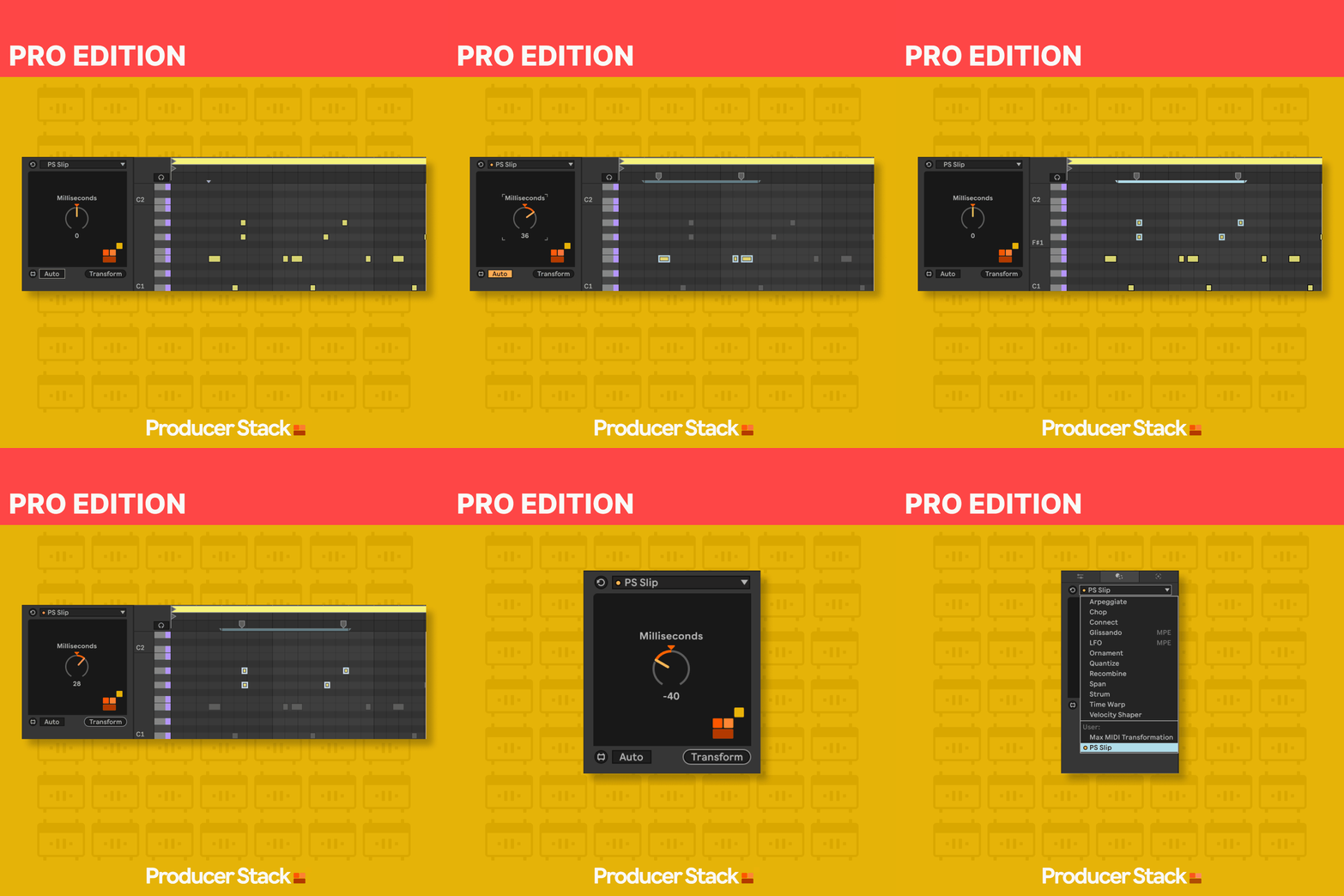
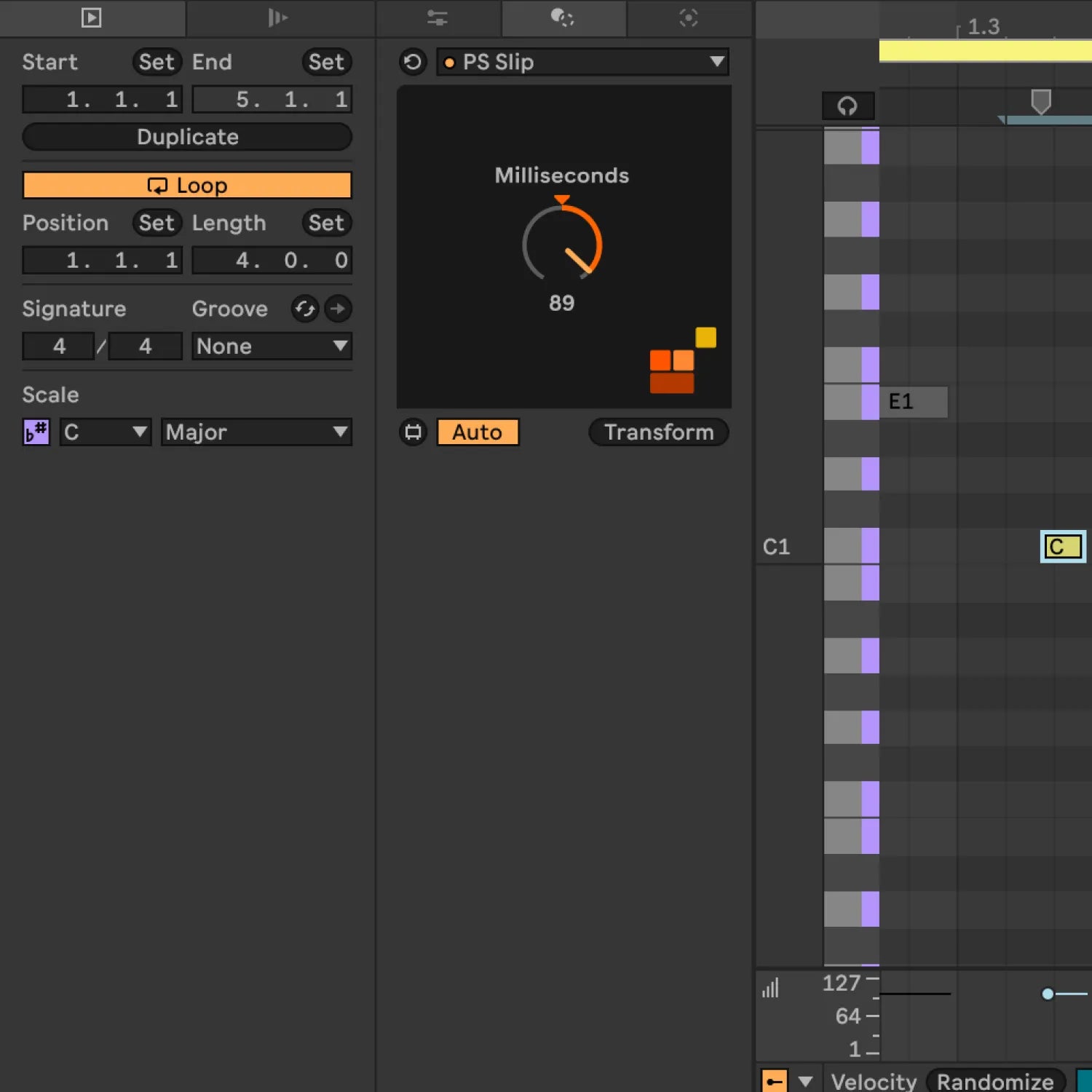
Slip is built on Ableton Live 12's MIDI Transformation Tool architecture — the same system that powers Live's built-in transforms like Recombine and Connect. That means it operates directly on note data inside the clip, not on the track's global playback timing. You can nudge individual notes by any number of milliseconds — ahead of the beat for attack emphasis, behind the beat for a dragged feel — without changing the timing of any other note in the clip, any other clip in the session, or your export mix.

Track delay, by contrast, shifts the entire track by a fixed offset. It affects every clip, every note. And critically, it doesn't render on export — the offset you hear in your session disappears the moment you bounce. Slip operates at the note level, non-destructively, and exports cleanly.

Why This Matters

Every Max for Live device we make follows one principle:

Remove friction, don't add features.

This tool works the way Ableton would have done it if they'd thought of it.

No flashy graphics.
No subscription.
Just a problem solved.
Slip Use Cases

  • Pocket a bassline
    Nudge bass notes a few milliseconds behind the kick to lock in the pocket without quantising the feel out of the performance
  • Correct a recording
    Shift a single misplaced note into time without re-recording the whole clip
  • Layer percussion
    Offset individual hits across multiple MIDI drum tracks to build a wider, more human-sounding stereo image
  • Fix polyphonic timing
    Adjust the attack timing of individual notes in a chord to control the roll or strum feel
  • Micro-groove programming
    Program ghost-note timing variations between hi-hats and snares that quantise would otherwise flatten

Slip | Video Walkthrough

Slip, Nudge MIDI Notes by Milliseconds Max for Live Device for Ableton Live 12

Compatibility, Ableton Live & Max for Live

  • Ableton Live 12 Suite, or Live 12 Standard with Max for Live
  • macOS 11+ / Windows 10+
  • 8 GB RAM minimum recommended

Live 11 and earlier: not compatible — Slip requires the Live 12 MIDI Transformation Tool architecture

Slip Frequently Asked Questions

Slip installs differently to a standard Max for Live device, here's how to get it running in two minutes.

How to Install Slip

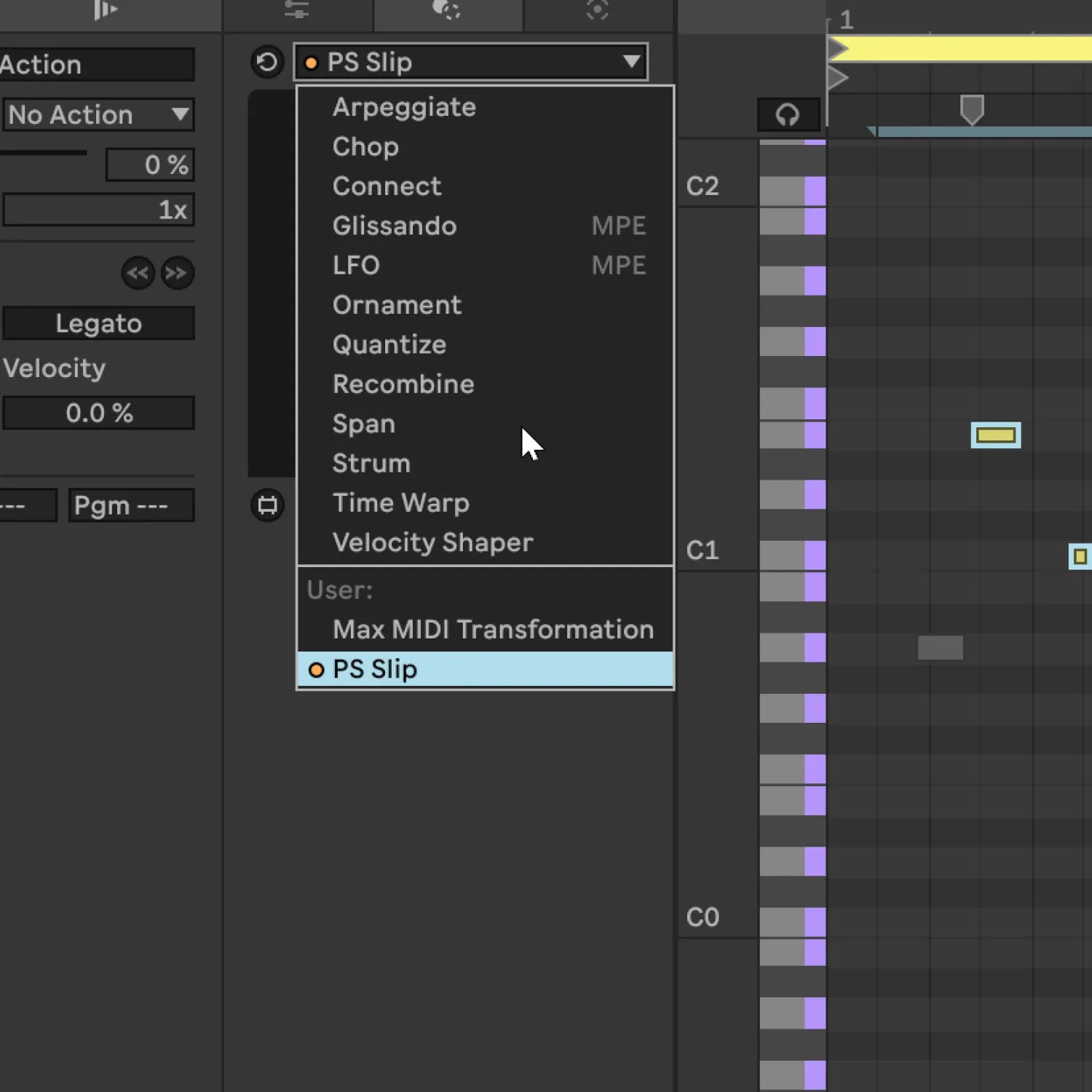
Slip is a MIDI Transformation Tool, which means it lives inside the MIDI Clip view — not in your MIDI Effects browser. Don't worry if you can't find it in the browser after downloading — that's expected. Follow these steps and you'll be up and running straight away.

  1. Download the .amxd file from your order confirmation or your ProducerStack account.
  2. Open Ableton Live and locate your User Library in Live's Browser (left panel, under Places).
  3. Find or create a MIDI Tools folder inside your User Library. If it doesn't exist yet, right-click the User Library and select Create Folder — name it exactly: MIDI Tools.
  4. Drag the Slip .amxd file into the MIDI Tools folder.
  5. Open any MIDI clip — double-click a clip in the Session or Arrangement view to open the MIDI Clip editor.
  6. Open the MIDI Transformation Tools panel — click the icon at the bottom of the clip editor (it looks like a wand or transform symbol). Slip will appear in the Transformation dropdown.

If Slip doesn't appear straight away, save your session and restart Live once — Ableton occasionally needs a restart to index new MIDI Tools.

Requires Ableton Live 12 Suite, or Live 12 Standard with Max for Live. Live 11 and earlier are not compatible — Slip is built on the MIDI Transformation Tool architecture introduced in Live 12.