

KORG M1 PIANO 16 EXAMPLES
You may also like
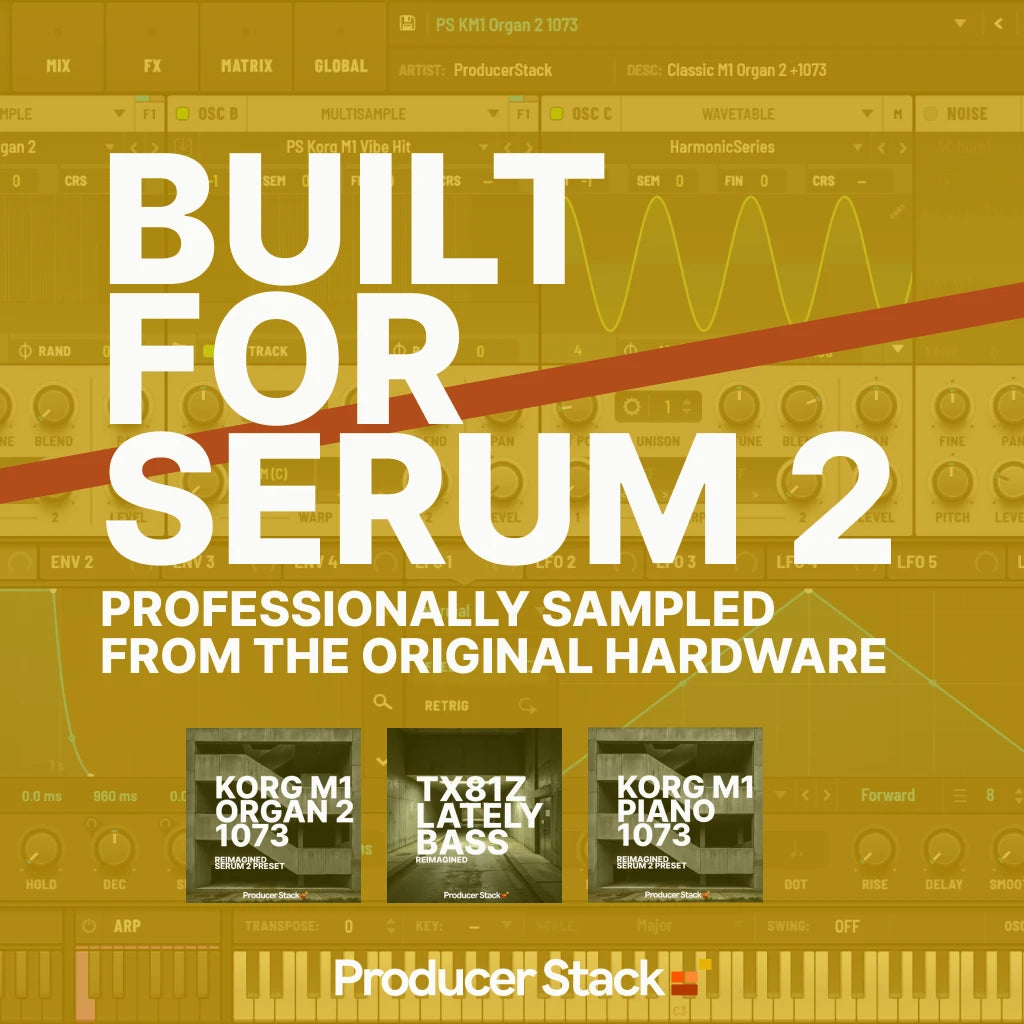




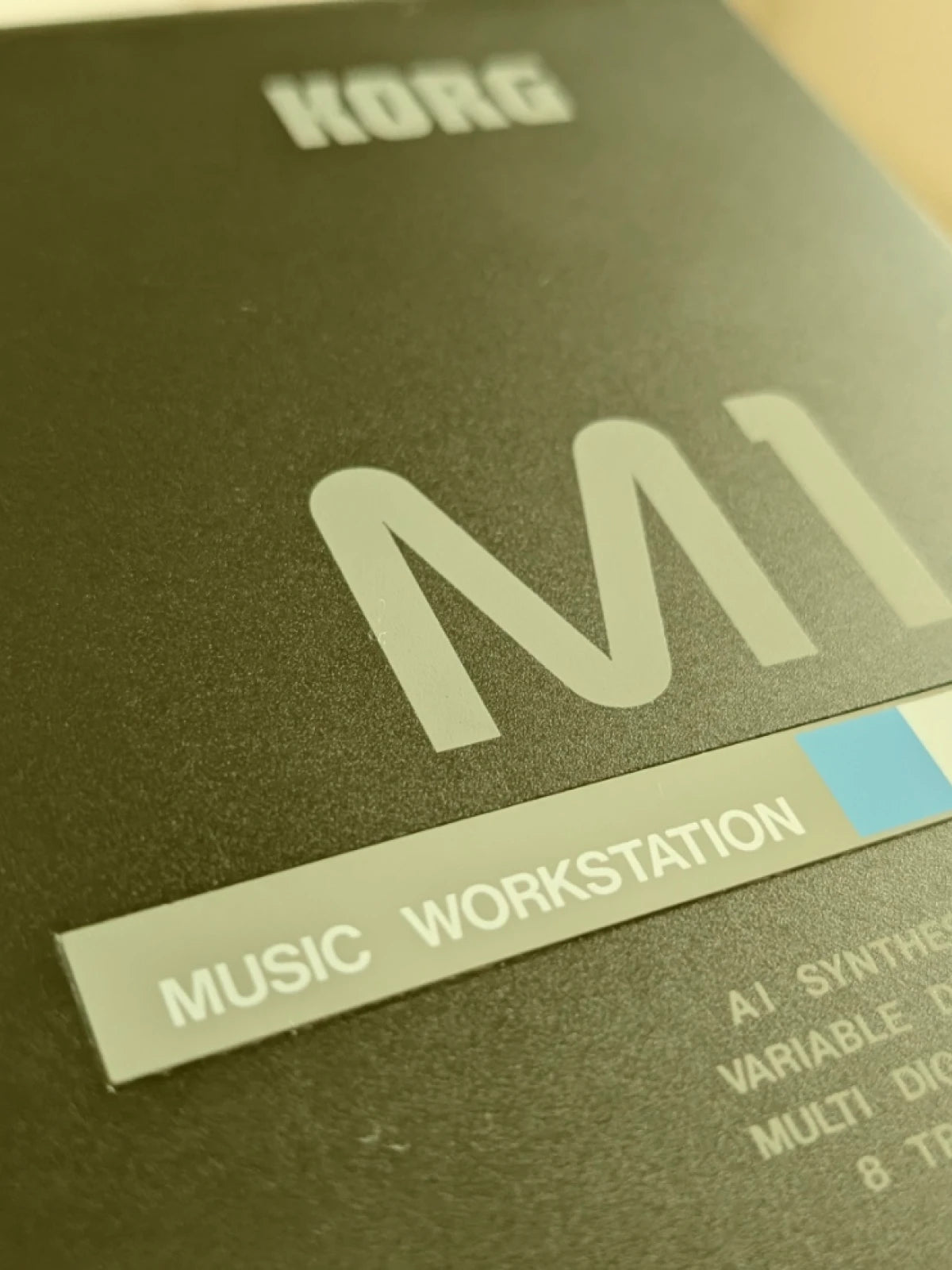
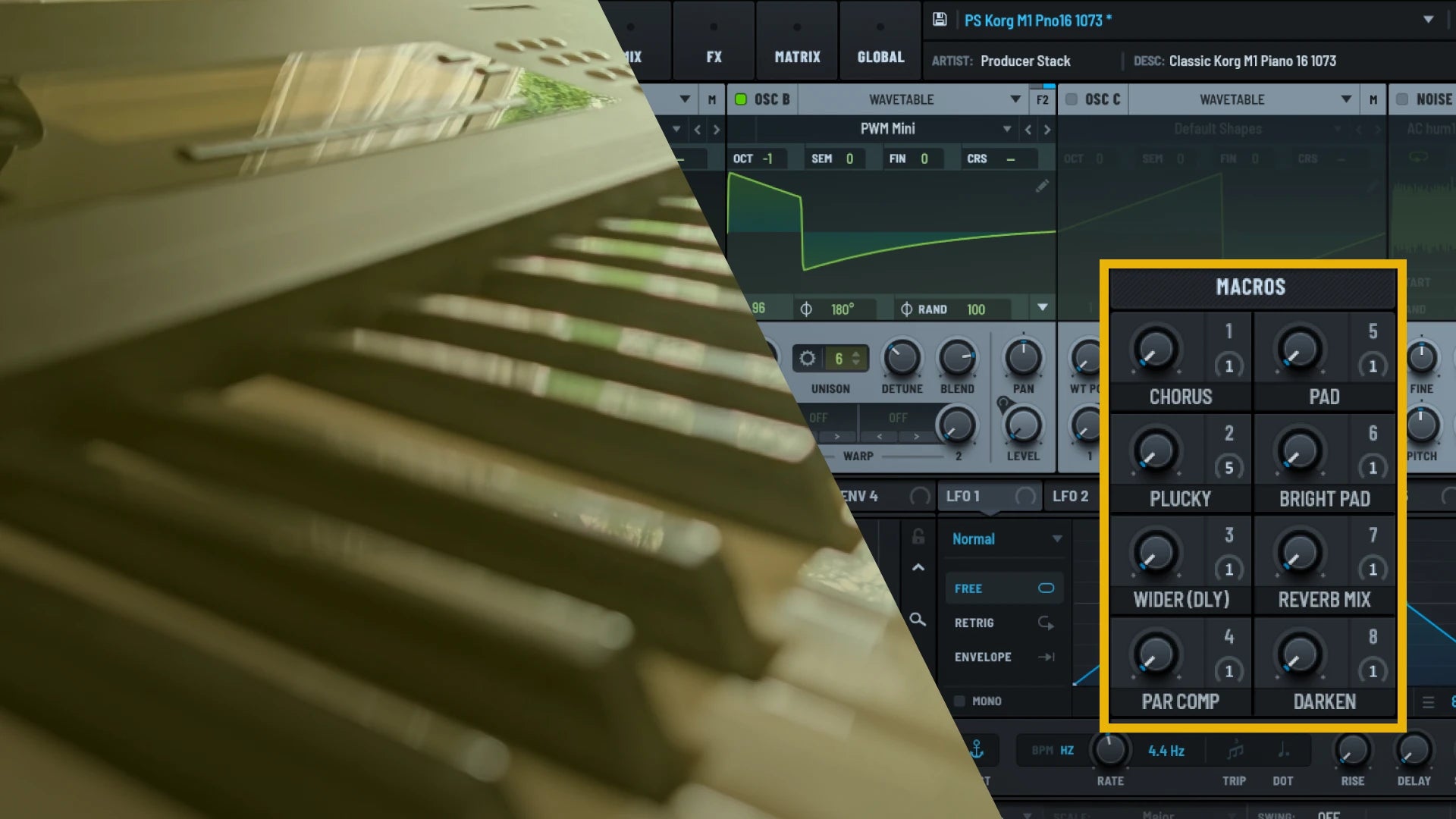
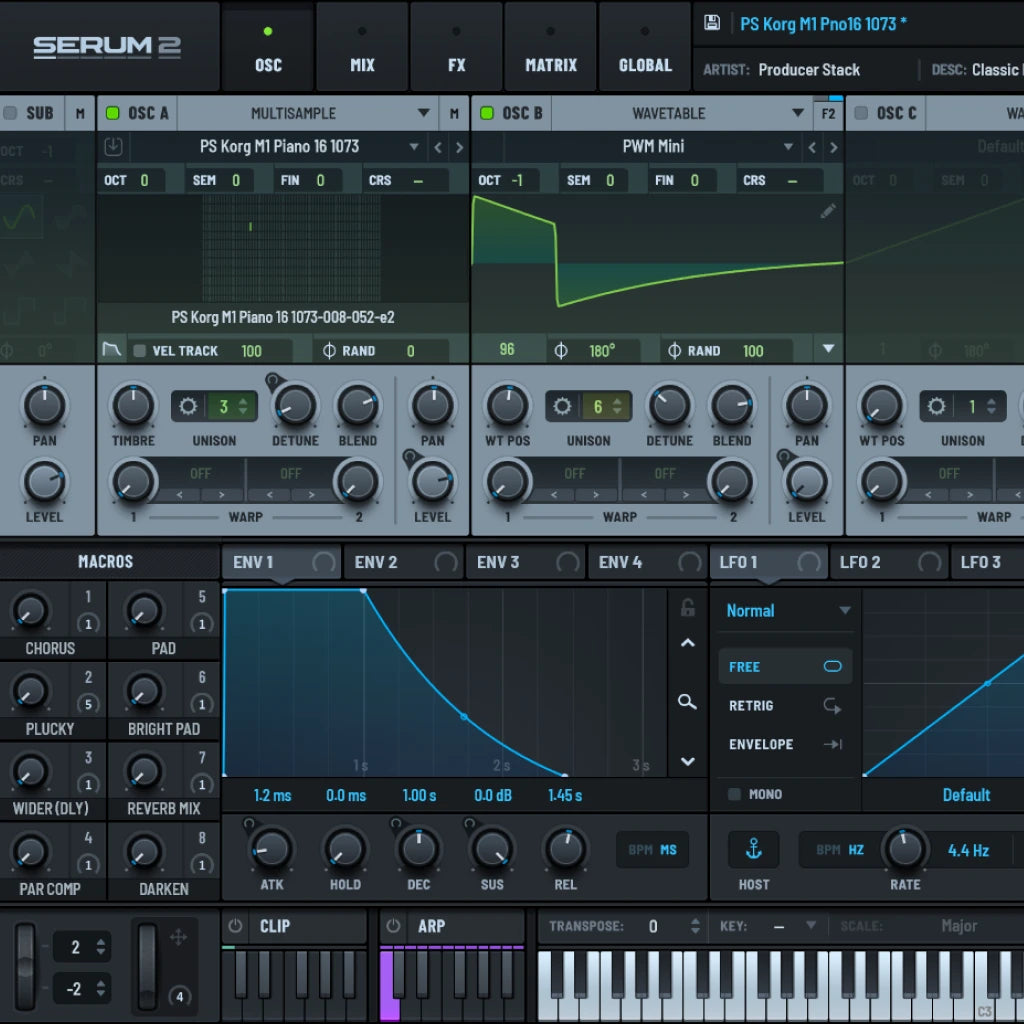
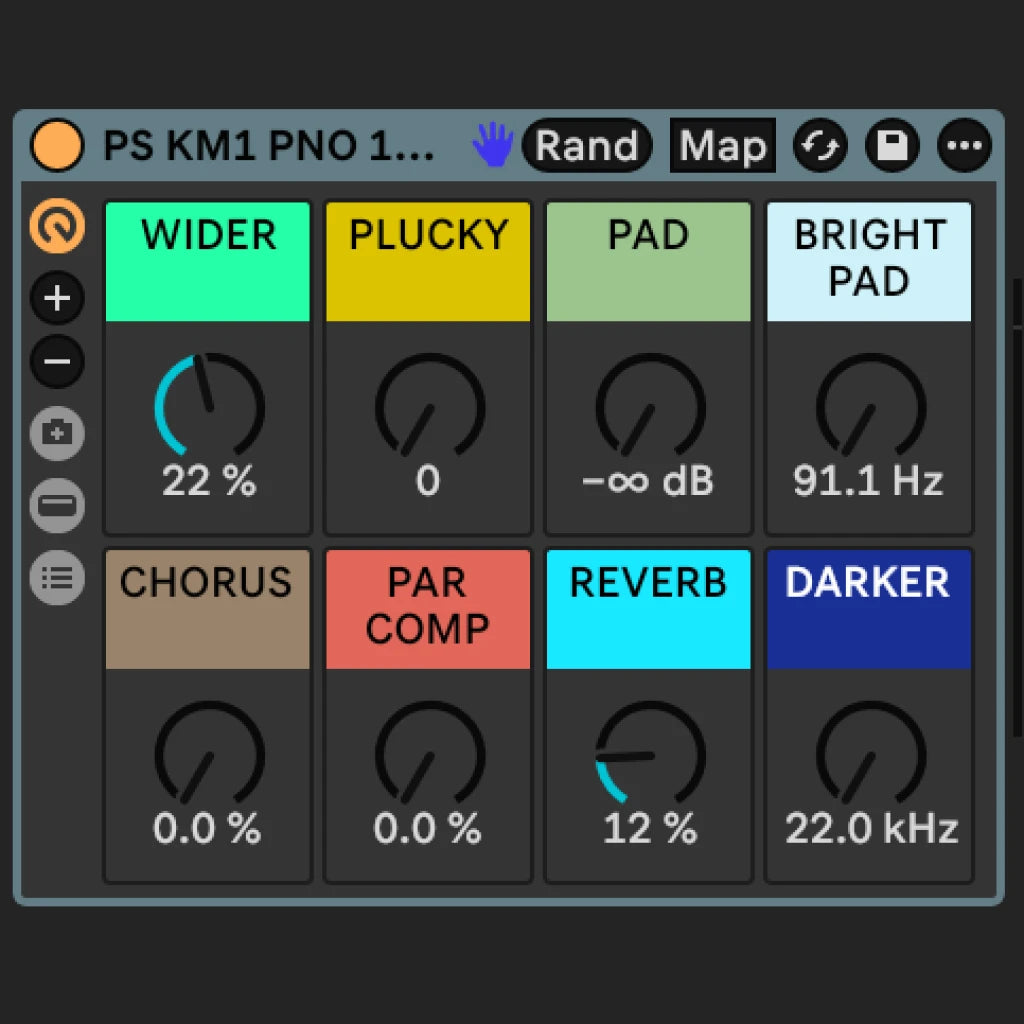
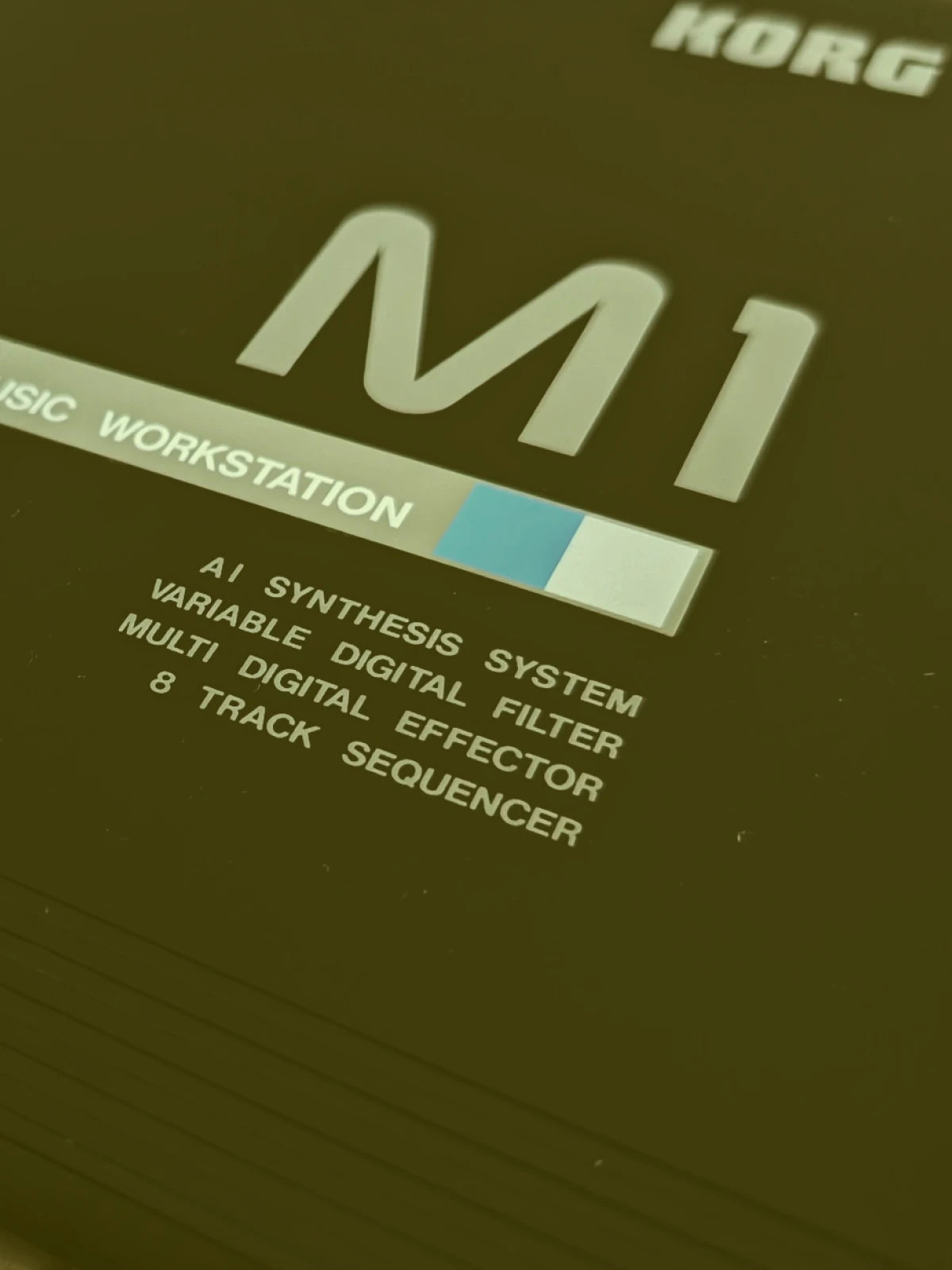
The Korg M1 Piano 16 is the most culturally loaded piano preset in electronic music, the percussive stab behind Madonna’s “Vogue,” Black Box’s “Ride on Time,” and Snap!’s “Rhythm Is A Dancer,” still reaching into contemporary productions three decades later. This pack delivers 732 samples across 12 velocity layers, captured from a pristine 1988 Korg M1 workstation through a Neve 1073 DPX preamp chain at 24-bit/48kHz, and rebuilt as a Serum 2 multi-sample preset and Ableton Live Rack, each with 8 macro controls and 40 MIDI loops featuring classic UK house progressions. This is the hardware, not a model of it.
Already own Serum 1?
Serum 2 is a free update from Xfer, not a new purchase. How to update
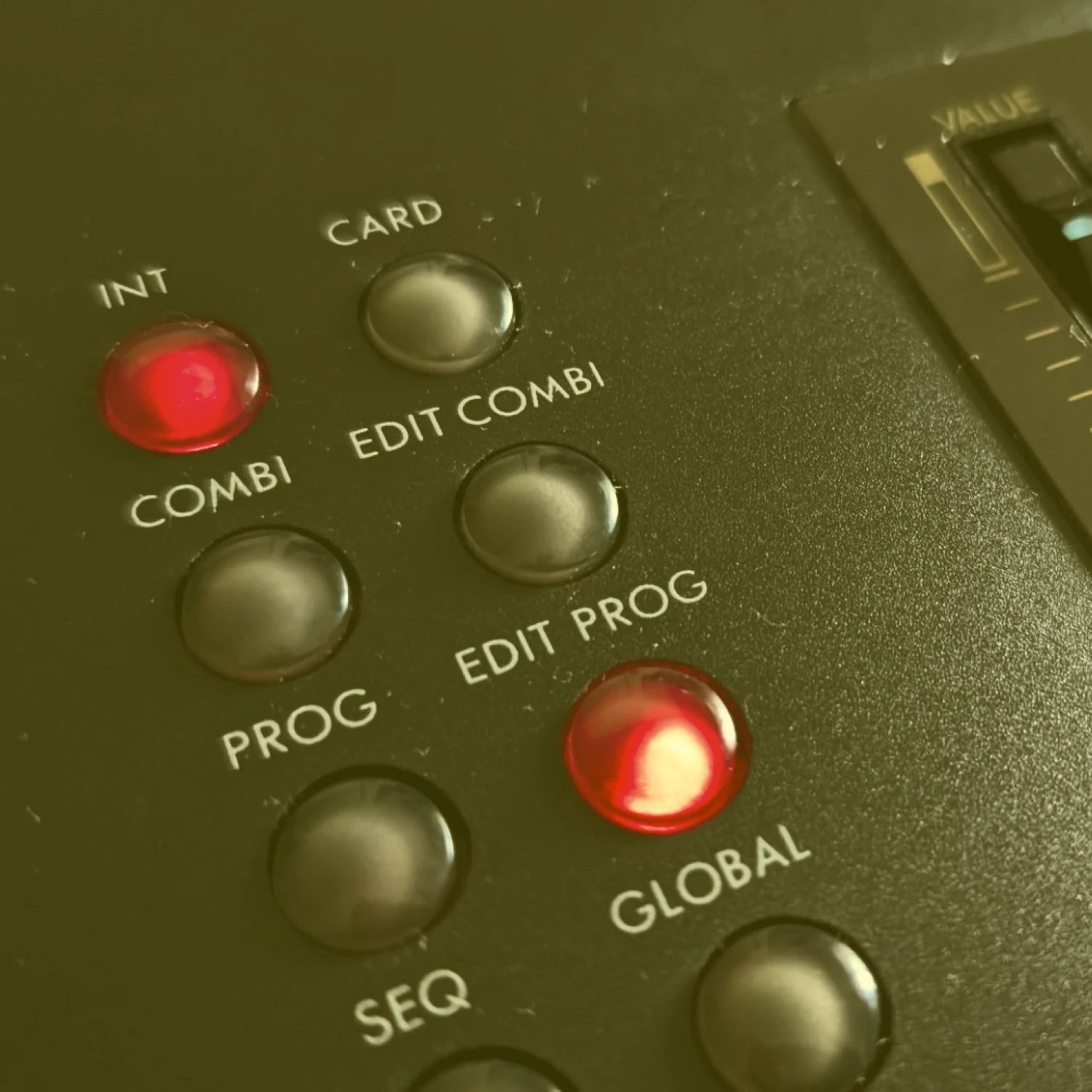
The Korg M1 Piano 16 Sound
Our Heritage Recording Chain
Pristine vintage hardware with professional processing for uncompromising audio fidelity.

Professional Channel Processing
Every signal passes through our Neve 1073DPX channel strip—the same legendary preamp and EQ trusted in Abbey Road and professional studios worldwide.
Pristine Vintage Hardware
Immaculate examples of legendary synthesizers that defined UK electronic music. Each piece is professionally serviced and calibrated to factory specifications.
Best in Class Digital Conversion
Industry-leading AD/DA converters with ultra-low latency performance. Combined with premium Van Damme cabling, nothing is lost between hardware and your DAW.
Own Serum 1? You already own Serum 2.
Serum 2 is a free update from Xfer, not a new purchase. If you bought Serum 1 at any point, direct from Xfer or from a reseller, it is yours at no cost. Splice Rent-to-Own renters qualify too. Xfer's lifetime free updates mean exactly that.
This pack does need Serum 2, because Serum 2 presets do not load back into Serum 1. But the update costs you nothing, and it takes a few minutes.
Both versions install side by side, so Serum 1 stays on your system and your old projects stay exactly as they are. They will not change unless you change them.
Xfer's guide walks you through it: https://support.xferrecords.com/article/58-how-to-upgrade-from-serum-1-to-serum-2
Korg M1 Piano 16 | House Piano Multi-Sample for Serum 2 Frequently Asked Questions
Is this sampled from a real Korg M1 workstation, or is it a software emulation?
What’s the difference between the Serum 2 and Ableton Rack versions?
What genres is the Korg M1 Piano 16 known for?
Are these samples 100% royalty-free for commercial use?
Can’t I just use a Korg M1 V plugin instead of buying this pack?