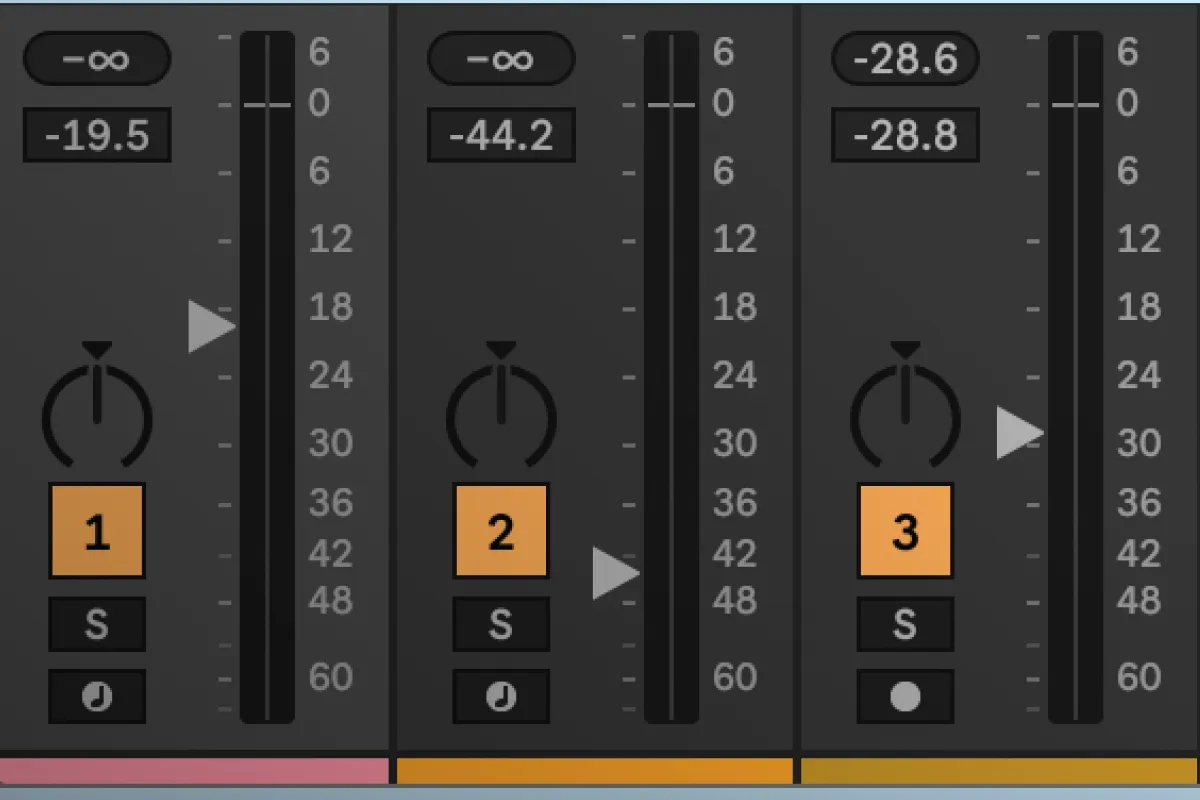
There's a moment that happens to almost every producer who has spent serious time on a hardware mixing desk and then moved their work into a DAW. You've built a mix you're genuinely proud of. Stems balanced, internal relationships sitting just right. You want to bring the whole thing down a touch before the drop. And instead of the effortless, proportional movement you'd get on a real console, something slightly wrong happens. The balance shifts. Not catastrophically, but enough. You spend the next ten minutes putting back what you had.
If you've felt that, what you're missing is a VCA group.
What a VCA actually does
VCA stands for voltage-controlled amplifier, which is a very circuit-level way of describing something that's actually quite intuitive once you've used it. On a large-format desk, or in DAWs that have implemented them properly like Pro Tools HD, Cubase, Reaper, and Logic, a VCA group gives you a dedicated fader that has no audio running through it whatsoever. It exists purely to move a group of channels simultaneously. When you move it, every channel in that group follows proportionally. The fader for your kick might be at a completely different position to the one for your snare, but the relationship between them is preserved. Pull the VCA fader down and they both drop by the same amount. The internal balance you built doesn't shift.
Ableton doesn't have this concept natively. There's no dedicated VCA fader object in Live, no way to create a control that governs a group of channels with proper delta-based tracking. It's a gap that frustrates a particular kind of producer quite a lot: the kind who has worked in Pro Tools or on real desks, and who understands instinctively why that proportional movement matters.
Why this matters in a real session
The producers who feel this most acutely are usually working with complex arrangements. Lots of layered elements, detailed stem structures, bus architectures that have been carefully built up over a long session. The mix is intricate. Touching one fader has knock-on effects.
In those sessions, being able to move a group of channels as one unit without disturbing their internal relationships isn't a luxury. It's a workflow tool. You want to ride the energy of a section without rebuilding the balance every time. You want to automate a stem group through a breakdown without it feeling like surgery. You want the mix to move the way it moves on a desk, not like a collection of individual parameters that you have to manage one at a time.
There's also a more subtle advantage that's worth mentioning. Because a VCA fader is controlling each channel's gain independently rather than summing them through a bus, any post-fader sends on those channels move with them. Bring a VCA group down and your reverb returns stay in proportion.
This is also exactly where Max for Live is supposed to earn its place, filling in the gaps that Live leaves for producers who need more than the box provides. So I built one.
PS VCA Link Pro: what it does

The device installs on each track you want in the group. You assign them all the same group ID, and from that point you simply move whichever fader you want to use as your controlling fader for a given move. Every other track in the group follows proportionally, working in real decibels rather than raw parameter values, which matters more than it sounds. The internal relationships in your mix are preserved regardless of how far you move or how many times you move it.
It isn't the same as having a dedicated floating VCA fader the way Pro Tools handles it. You're always using one of your existing track faders as the control. But the proportional movement is real, and the delta calculations are accurate across the full fader range.
The device also handles the edge cases you'd expect a proper implementation to handle. If a track hits the ceiling or the floor, it tracks the overflow and catches up correctly when the controlling fader reverses direction, so you don't end up with channels lagging behind after they've been pushed to a limit. When you load a set, the devices establish their group membership automatically regardless of the order Ableton initialises them.
In isolated testing, it behaves exactly as a proper VCA group should. I was genuinely pleased with it.
The Ableton API Undo Problem
Then I used it in a real session.
Here's something about Ableton's API that turns out to be a significant problem for a device like this. Every time the device writes a parameter value programmatically, every time it moves a fader, Ableton logs it as an entry in the Undo history. This is correct and sensible behaviour for a user action. For a VCA device firing dozens of programmatic writes per second across several tracks simultaneously, it's catastrophic.

Move your controlling fader in a normal two-second gesture and you've just generated somewhere between 600 and 1,800 Undo entries, all on tracks you never directly touched. Press Cmd+Z and instead of going back to your last meaningful edit, you go back one microscopic parameter increment on a fader you weren't even looking at. Getting back to where you were before means hammering Undo for minutes.
I spent a long time looking for a workaround. The API doesn't offer one. There's no mechanism to tell Live that a write is programmatic rather than user-initiated, no way to suppress Undo recording for a specific operation. This isn't something I can patch in the device. It's a constraint of the API itself, and until Ableton address it, the device can't be used in a real arrangement session without making Undo essentially unusable.
That was a frustrating place to land after four months of careful work.
Why we're releasing it anyway

Three reasons, and I think they're all sound ones.
The architecture is complete. If Ableton ever expose a way to suppress Undo recording for programmatic writes, and it's a perfectly reasonable thing for them to add, this device becomes a fully production-ready implementation with minimal changes. The hard engineering problems are solved. It's sitting there waiting for one API update.
The device also includes something I think is genuinely useful to the Max for Live development community regardless of the Undo issue: a precise measured lookup table of Ableton's fader curve. The relationship between Live's internal parameter values and actual dB levels is not publicly documented, and the approximation that most people reach for is significantly wrong across much of the fader range. I measured it properly, 76 data points across the full range, and the full dataset is included in the download package. If you're building anything in Max for Live that involves fader calculations, that data is worth having.
The third reason is the simplest. This is how we want to operate at ProducerStack. We build things carefully, we document what works and what doesn't, and we're part of this community. If someone has found a genuine workaround for the Undo problem that I've missed, and I've looked hard enough to think someone might have, I want that conversation to happen.
Download PS VCA Link Pro: Free Max for Live Device
PS VCA Link Pro is free. The device, the source code, and the fader curve dataset are all included in the package.
If you've cracked the Undo problem, or if you've found a different architectural approach that sidesteps it entirely, the comments below and the forum thread are the right place to share it.
Download for free from Maxforlive.com